Installation
Prerequisites
- Python 3.10 or higher (Python 3.13 recommended)
- Node.js 22+ (only needed if you want to build the UI from source)
Quick Install (pip)
Quick Install (uv)
If you use uv for package management, add sovara to your project's dependencies:
Then run your scripts with:
Verifying Installation
After installation, verify that the CLI commands are available:
Building from Source
Create Environment
If you're starting from a clean sheet, create a conda environment with the required dependencies:
Install and Build
Use uv as the default workflow. Equivalent pip commands are included for reference.
Install the project from source and build the VS Code extension UI:
Optional extras:
devfor tests and development toolingexamplesfor provider SDKs used by the example workflowsdocsfor documentation tooling
# uv
uv sync --extra dev
uv sync --extra examples
uv sync --extra docs
uv sync --extra dev --extra examples --extra docs

# pip
pip install -e ".[dev]"
pip install -e ".[examples]"
pip install -e ".[docs]"
pip install -e ".[dev,examples,docs]"
Running the Extension
Open this project in a new VS Code window. If you opened the repo root, select Run Extension from the debugger. If you opened ui/user-interface.code-workspace, select Run VS Code Extension. This opens a new window with the extension enabled.
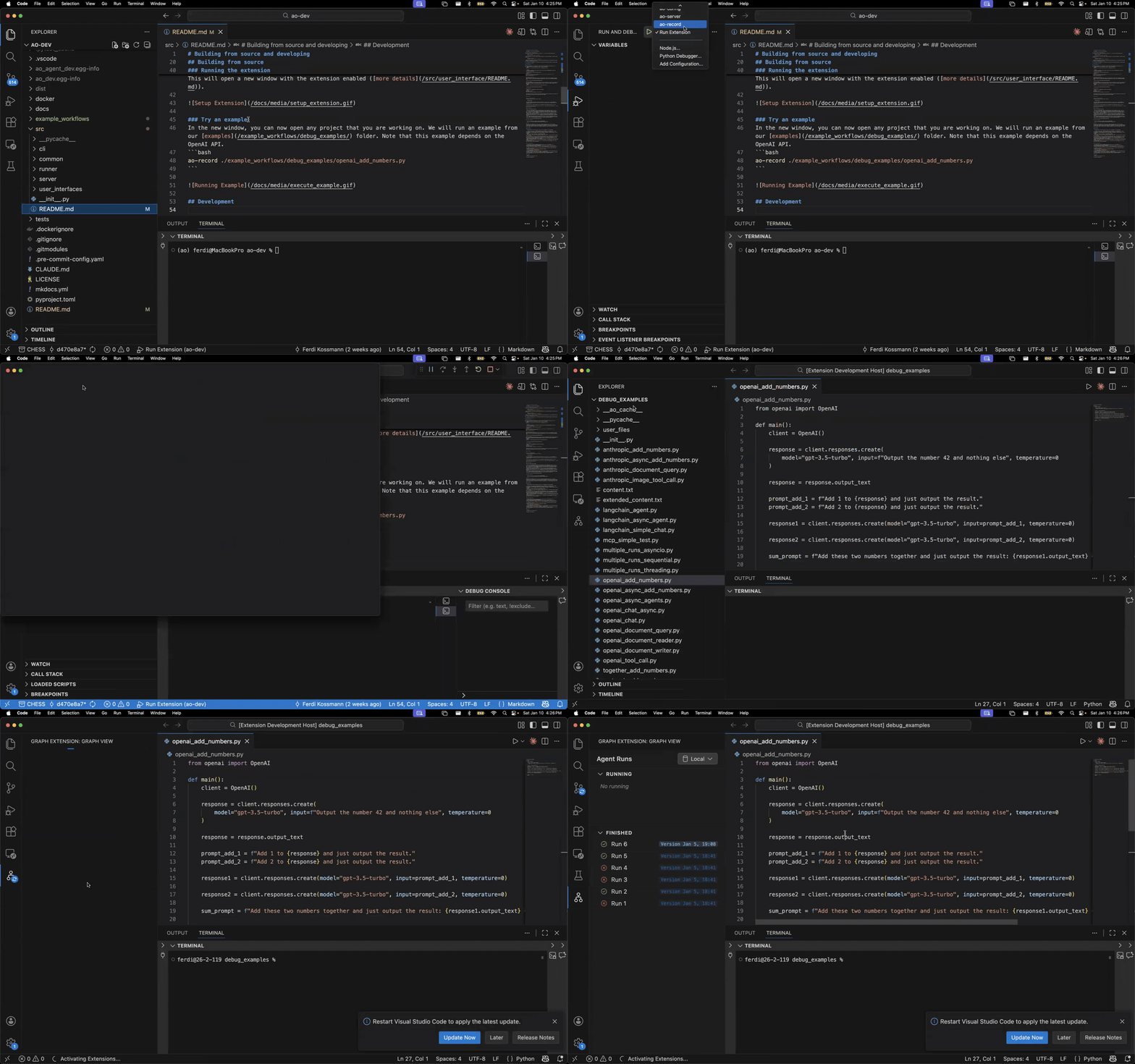
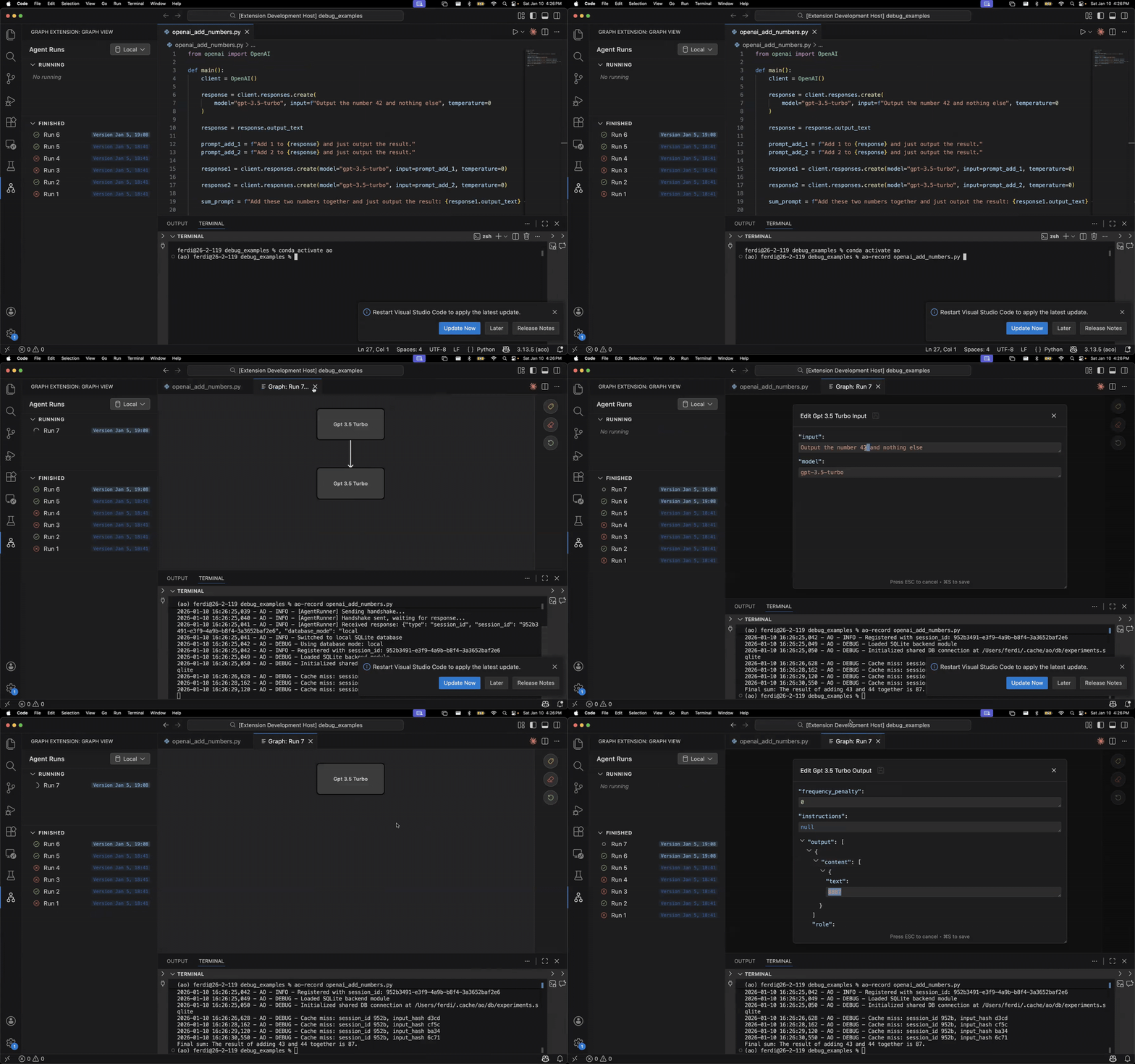
Try an Example
In the new window, you can now open any project that you are working on. For example, run the openai_debate.py example from the example_workflows/debug_examples_py/ folder:
Note: This example depends on the OpenAI SDK. Install the
examplesextra from the source-install options above, or add it separately withpip install openai.
Standalone Web App Alternative
If you prefer the standalone web app instead of the VS Code extension:
Then open the local URL printed by Vite in your browser.